All docs
Split testing
Split testing lets you ship a change to some customers first. Parley compares resolution, satisfaction and hand-offs between versions, then you promote the winner.
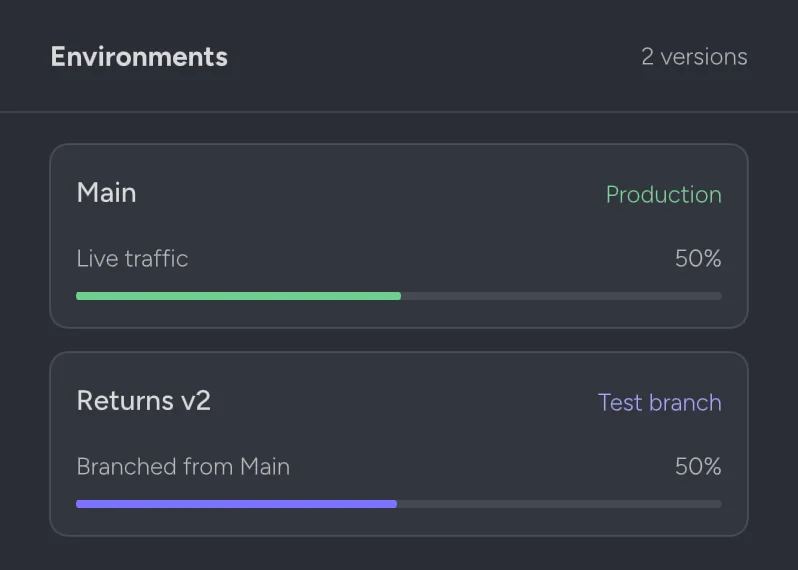
Environments
Every project starts with a main environment that serves customers. Create test environments from main, make changes there, and run simulations before any customer sees them.
Starting a split
Choose a test environment and the share of traffic it should receive. Start small, around 10%, and raise it as results come in. A customer stays on the same version for the whole conversation.
parley split start returns-v2 --share 10 -p "$PROJECT"
parley split status -p "$PROJECT"
Reading results
The split view shows resolution rate, CSAT, hand-off rate and cost per conversation for each version, with how confident the difference is. Parley won't call a winner until there are enough conversations to be sure.
Promote or roll back
Promoting copies the test version into main for everyone. Rolling back sends all traffic to main straight away; nothing is lost and the test environment stays in place for another try.
Something unclear?Contact supportor browse thehelp centerAll guides