All docs
Parley CLI
The Parley CLI lets engineering teams keep agents in version control and ship them like any other code.
Install
bash
npm install -g @parley/cli
parley --version
parley login   # opens your browser once, then stores a token
Projects and environments
bash
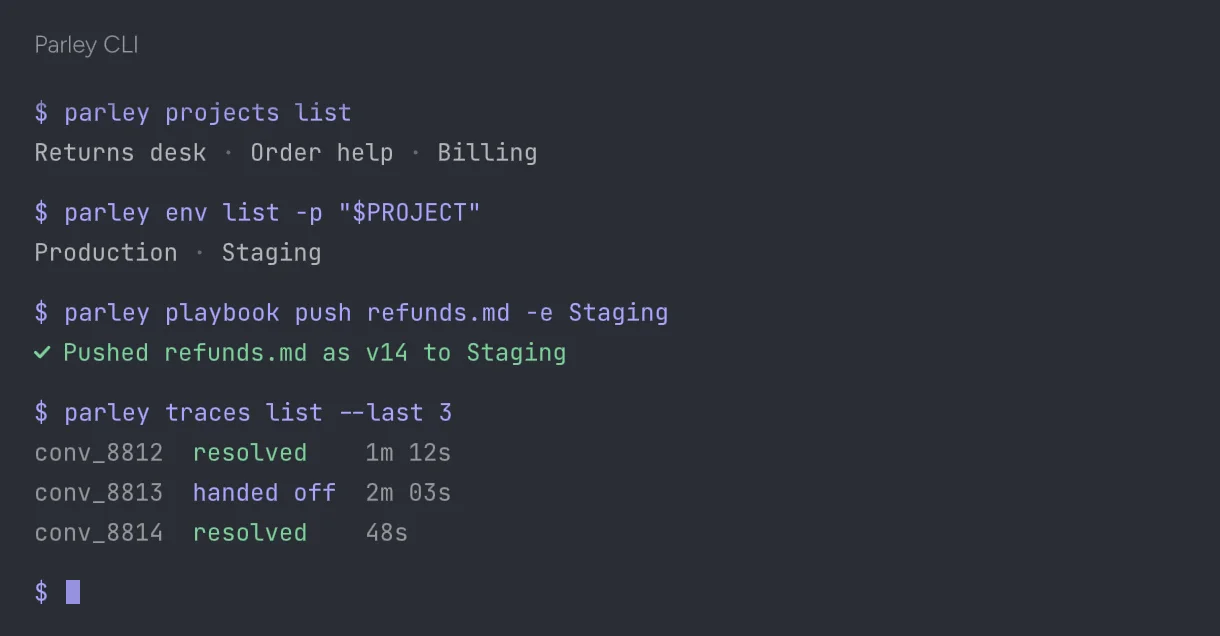
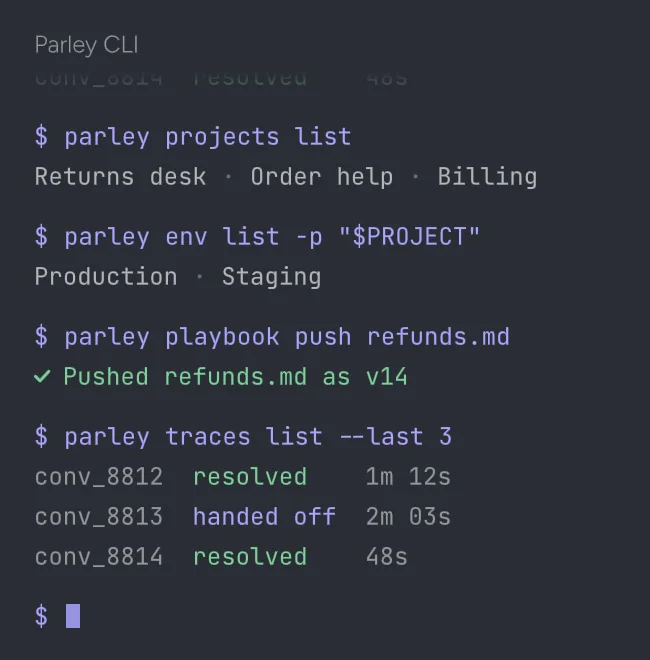
parley projects list
export PROJECT=prj_returns
parley env list -p "$PROJECT"
parley env create "returns-v2" --from main -p "$PROJECT"
Pull and push playbooks
parley pull writes every playbook, flow and action definition to a folder as plain files. Edit them in your editor, then push to an environment.
bash
parley pull -p "$PROJECT" --out ./agent
parley playbook push ./agent/playbooks/returns.md --env returns-v2
parley test run --env returns-v2   # runs your simulations
Use it in CI
Create an API key with the deploy scope and set it as PARLEY_TOKEN. A typical pipeline pushes to a test environment, runs simulations and promotes only if they pass.
bash
parley playbook push ./agent --env staging
parley test run --env staging --fail-under 95
parley env promote staging --to mainSomething unclear?Contact supportor browse thehelp centerAll guides